1. Decode the source
The browser decodes the still image and normalizes JPEG orientation.

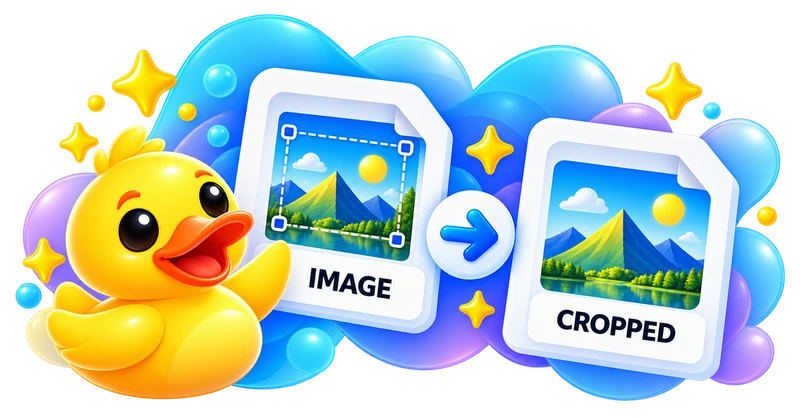
Crop by exact pixels or choose a ratio for a profile photo or banner. Check that the subject stays inside the selection.
Browser image decoding and the Canvas 2D API handle supported pixels locally.
The tool loads its interface and processing files from the site. This workflow handles the contents you select or enter in the browser.
File picker filter: image/jpeg, image/png, image/webp, .jpg, .jpeg, .png, .webp. The selected file must also pass this tool’s content and decoder checks.
Limits are safeguards, not a guarantee every file below them will process. Complex files and device memory can require a smaller input.
Still JPG, PNG or WebP · 25 MB · 24 MP · 16,383 px edge.
or choose one from your device
Drag on the preview to set a new crop rectangle. Exact source-pixel values stay synchronized below.
The result keeps the selected source format.

The browser decodes the still image and normalizes JPEG orientation.
Drag a rectangle or enter exact X, Y, width and height. Aspect presets constrain the shape, not the underlying source pixels.
Only the selected pixel rectangle is drawn to a new canvas and encoded in the original format.
The output pixel dimensions equal the crop width and height. Cropping removes pixels outside the selected rectangle; it does not upscale the selected area.
JPG/WebP are newly lossy-encoded at the chosen quality. PNG is newly encoded as PNG with alpha support. Source EXIF/ICC/text metadata is not intentionally copied.
This build has no image-cropping upload endpoint. Processing uses browser decoding and Canvas APIs in the current tab.
Yes. Enter exact crop width and height plus X/Y origin values.
PNG remains a lossless PNG encode. JPG and WebP require a new lossy encode, so quality depends on the selected setting.
No. APNG and animated WebP are rejected rather than silently reduced to one frame.
drawImage() and toBlob() perform the crop render and export.QUICK ANSWER & TOOL GUIDE
Add a photo, drag the crop area or choose an aspect ratio, then apply the crop and export. Inspect the selected edges: cropping discards pixels outside the selection, while resizing changes output dimensions.
Important: Verify important parts of the subject have not been cut out.
Need help with a file or download? Read the image tool help center.

Select 1:1 and move the crop over your subject. The crop removes the outside area and keeps the proportions of the retained pixels.
Use a 1:1 crop to frame a face or item for a profile or listing. Crop before opening a separate resizer.
To fit a profile, storefront, or article card, choose the composition first. A crop can preserve the image scale while removing surrounding pixels. Start with a source large enough to leave space around the subject, especially if the destination eventually displays a circle or trims more edges.
Check more than the center of the preview. Keep a useful margin around faces, product labels, or important text. When a project needs two shapes, start each crop from the same original instead of trying to expand a crop that already discarded useful parts.
Prepare a square crop containing the important content near the center. Leave enough space around the face or logo to account for the removed corners, then check the destination’s circular preview. Keep the square master if other sites display it without a circular mask.
A crop chooses a region of the existing image. Resizing changes the pixel dimensions of whatever region you have. To achieve a small fixed-size preview with correct framing, crop to the destination’s shape and then resize the crop if needed. Verify the final dimensions.
Try changing the composition so the label remains readable. If the destination shape still leaves too little room, prepare a larger version with padding or use a different source crop. Compare the result inside the final card to account for any additional cropping the site performs.
The output measured 32 × 24 pixels. The decoded pixels matched that exact region of the source.
Add the source PNG. Use the free crop and set X and Y to 8, width to 32 and height to 24. Select Crop Image and download.
Recorded on using Chromium 151.0.7922.34 on local WordPress 7.1.4. Each result describes the sample and settings shown. File size and visual quality can vary by image, settings and browser encoder.
Set X and Y for the upper-left corner, then enter the width and height in pixels. Preview the bounds to keep faces and text in frame, and check the dimensions of the downloaded copy.

Use drag selection or exact source-pixel coordinates.

